
Google I/O agenda is live
Tune in for livestreamed keynotes and sessions May 20-21, and check out even more on demand May 22.
Register nowStart building today










Trending news

Announcing Firebase Studio
Firebase Studio brings together powerful tools like Genkit and Gemini in Firebase so you can prototype, build, deploy and run full-stack AI apps all in one place.

Get coding help from Gemini Code Assist — now for free
Developers worldwide now get free AI-assisted coding help with the highest usage limits available, as well as code review assistance.

Unlock better app performance with new Play Console insights
Discover the latest Play Console updates designed to give you more actionable insights into your app's performance. From a redesigned dashboard to new Android vitals metrics, learn how to proactively improve user experience.

What's new in AI
Gemini 2.5: Our most intelligent AI model yet
Gemini 2.5 brings advanced reasoning and performance improvements, helping you build more capable apps, solve complex problems, and enhance user experience.
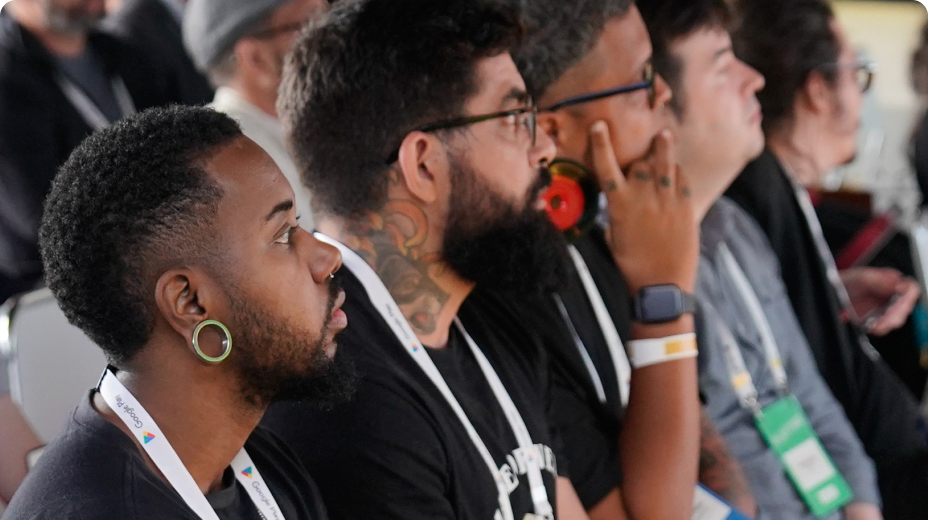
Find an event 
Grow your knowledge through online and in-person developer events.
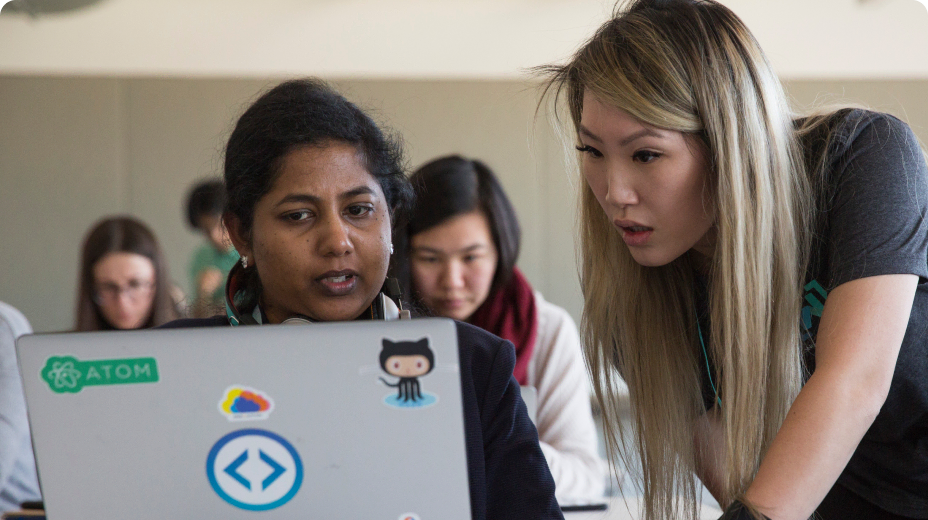
Improve technical skills 
Keep up with Google technology. Sharpen skills and master new ones.

Join a community 
Meet a diverse network, no matter where you are on your developer journey.
Follow Google for Developers

YouTube
Subscribe to join a community of creative developers and learn the latest in Google technology.

Follow and discover developer resources, community events, and inspirational stories.

Join a community of creative developers and learn how to use the latest in technology.

X
Join the conversation to discover the latest developer tools, resources, events, and announcements.