
Tune in for Google I/O on May 14
Discover Google's latest developer tools and learn how to transform your work with innovation.
Register nowStart building today











What are you developing for?
Select your development focus to find helpful solutions and resources



Trending news
Gemini 1.5 Pro available via the Gemini API
Gemini 1.5 Pro, with a first-ever native audio (speech) understanding capability and new File API, is now available in public preview via the Gemini API in 180+ countries.

New Gemma models for developers and researchers
Introducing CodeGemma for code completion, generation, and instruction-following tasks, and RecurrentGemma, an efficiency-optimized architecture for research experimentation.
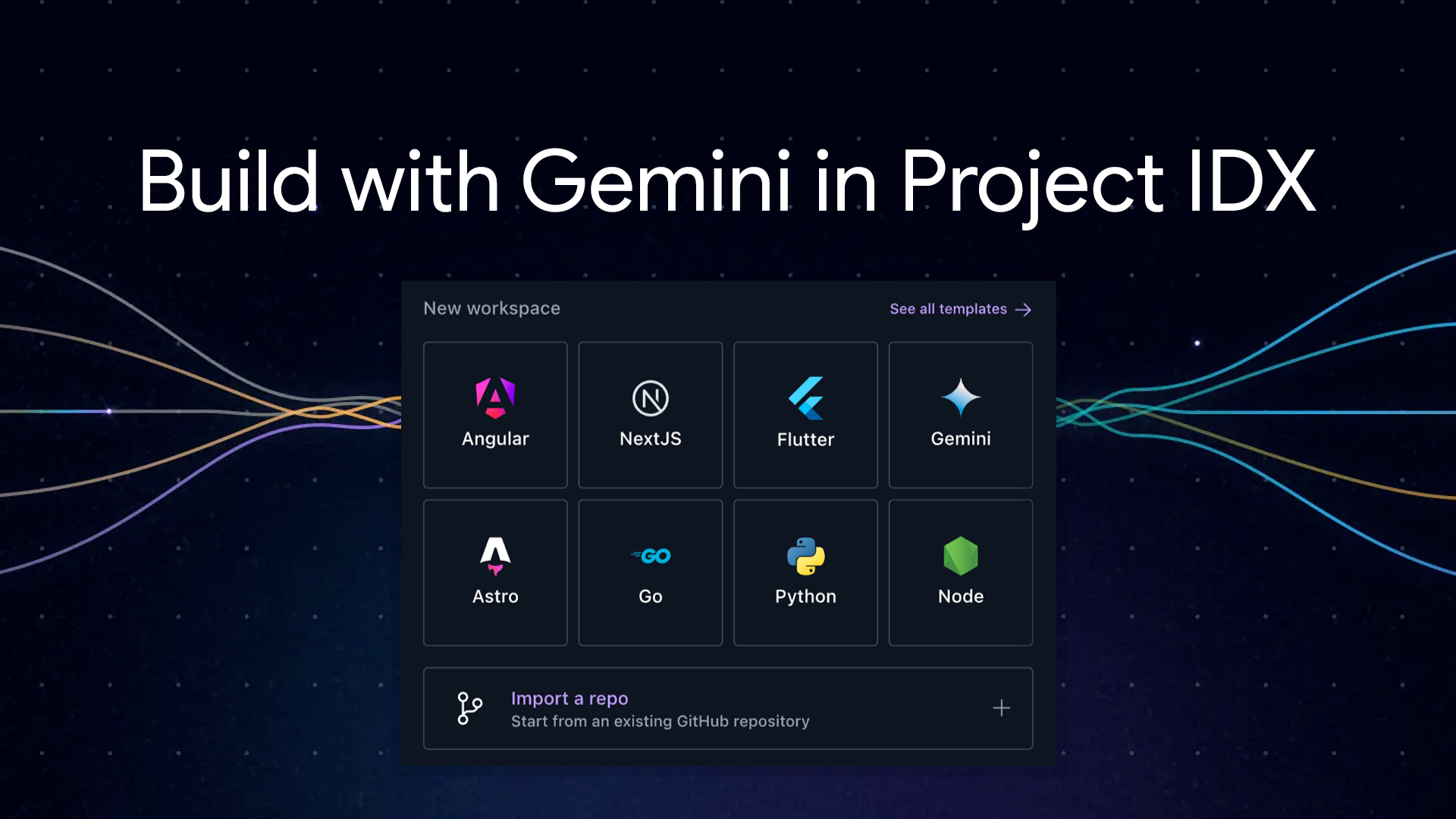
Build with Gemini models in Project IDX
Project IDX streamlines coding with AI. Get code help, error fixes, and easily integrate AI features using the Gemini API.
What's new in Android
Android Studio Iguana is now stable
Android Studio Iguana is here! Debug faster, build better UIs, and test seamlessly in Android Studio's latest stable release.

Find an event 
Grow your knowledge through online and in-person developer events.

Improve technical skills 
Keep up with Google technology. Sharpen skills and master new ones.

Join a community 
Meet a diverse network, no matter where you are on your developer journey.
Follow Google for Developers

YouTube
Subscribe to join a community of creative developers and learn the latest in Google technology.

Follow and discover developer resources, community events, and inspirational stories.

Join a community of creative developers and learn how to use the latest in technology.

X
Join the conversation to discover the latest developer tools, resources, events, and announcements.