
Start building today










Trending news

Google Play Games on PC: new features
Discover how Google Play Games is helping developers expand their reach across devices.

Get coding help from Gemini Code Assist — now for free
Developers worldwide now get free AI-assisted coding help with the highest usage limits available, as well as code review assistance.

Android gaming: graphics and performance upgrades
Learn how new tools like Vulkan and ADPF help you enhance your Android game development.

What's new in AI
Introducing Gemini 2.0
Starting today, developers can test and explore Gemini 2.0 Flash via the Gemini API in Google AI Studio and Vertex AI.

Find an event 
Grow your knowledge through online and in-person developer events.
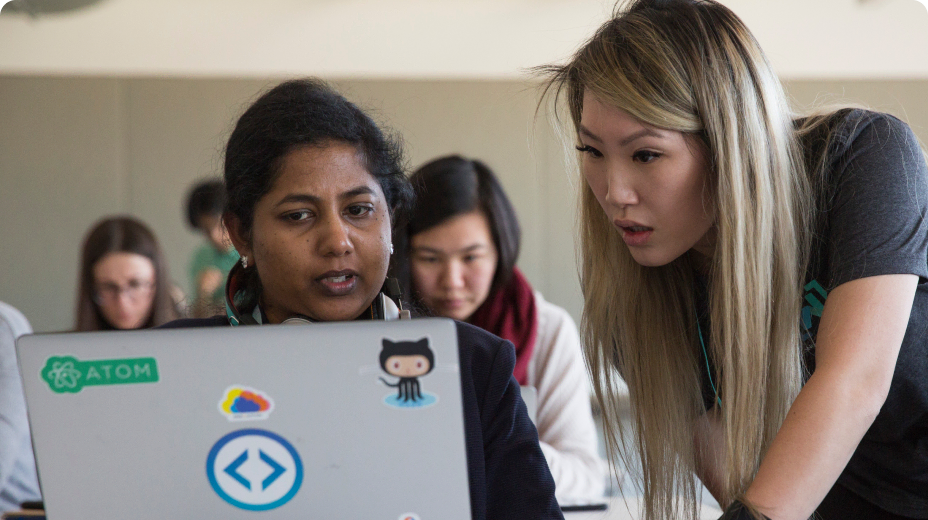
Improve technical skills 
Keep up with Google technology. Sharpen skills and master new ones.

Join a community 
Meet a diverse network, no matter where you are on your developer journey.
Follow Google for Developers

YouTube
Subscribe to join a community of creative developers and learn the latest in Google technology.

Follow and discover developer resources, community events, and inspirational stories.

Join a community of creative developers and learn how to use the latest in technology.

X
Join the conversation to discover the latest developer tools, resources, events, and announcements.