

Get started with Android
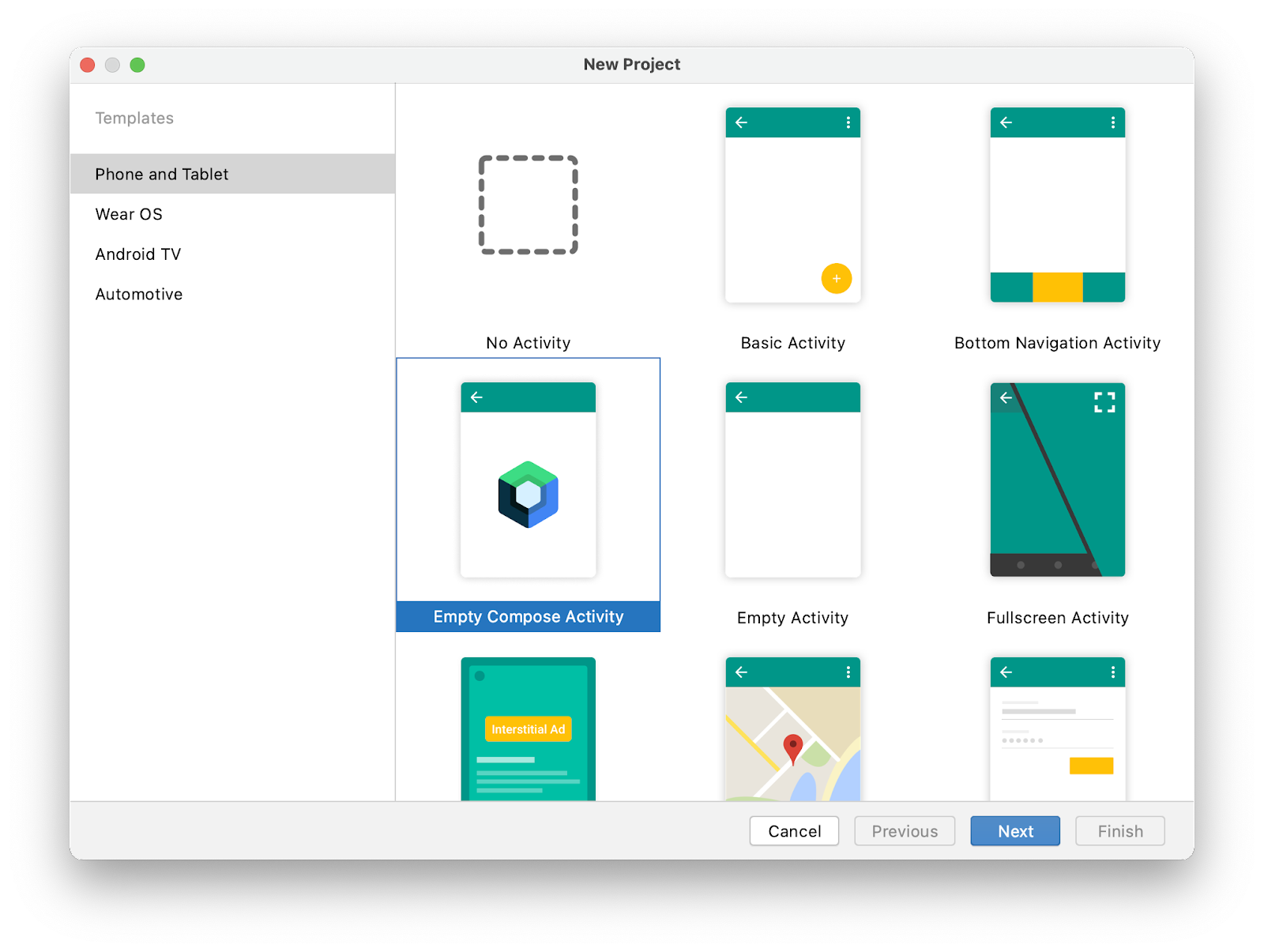
Create a Hello World app
Build a scalable, modularized, testable Android app

Start the Android Basics course
Take the full course to learn the basics of creating apps with Jetpack Compose, Android's modern toolkit for developing user interfaces.
As you create a series of apps, you’ll learn the basics of the Kotlin programming language and the fundamentals of app development.
Browse learning resources
Go deeper by exploring other training resources, such as learning pathways for more-advanced topics, including Compose, app architecture, and accessibility.
Assemble your toolkit

Compose:
Build compelling user interfaces

Kotlin:
A modern, concise, powerful language

Jetpack:
Libraries for easier app development

Use Android Studio for development
Target the latest Android version
Architecture and testing best practices

App quality matters
| Good | Great | |
|---|---|---|

|

|
|

|
Easy to use |
|

|
Work well on users' devices |
|

|
Safe |
|
| Good | |
|---|---|
|
|
|
|
|
Easy to use |
|
|
Works well on users’ devices |
|
|
Safe |
| Great | |
|---|---|
|
|
|
|
|
|
|
|
|
|
|
|
Featured samples
Now in Android
Now in Android is an Android app built with Kotlin and Jetpack Compose. Now in Android is designed to serve as a reference for Android developers that models best practices for design and development.
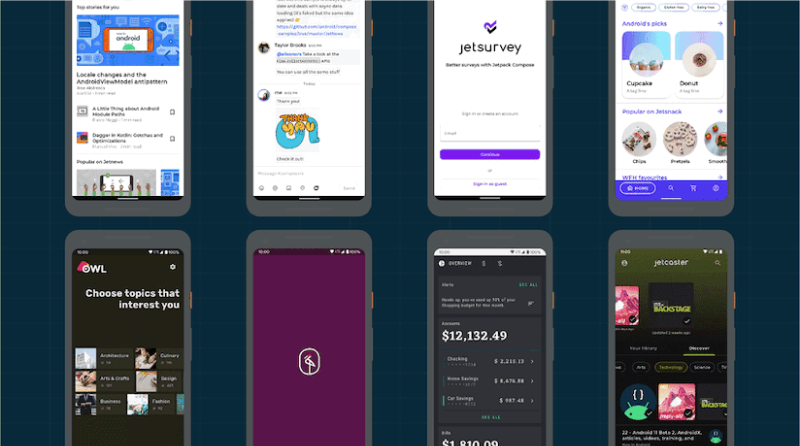
Compose samples
This repository contains a set of individual Android Studio projects to help you learn about Compose in Android. Each sample demonstrates different use cases, complexity levels and APIs.
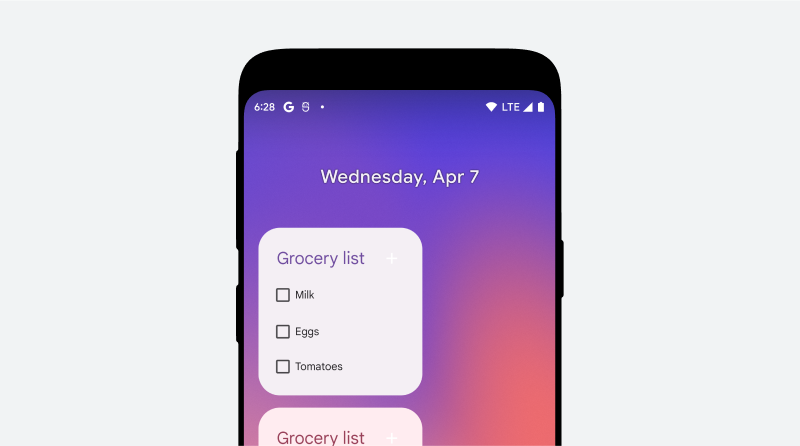
To do app
These samples showcase different architectural approaches to developing Android apps. In its different branches you'll find the same app (a TODO app) implemented with small differences.